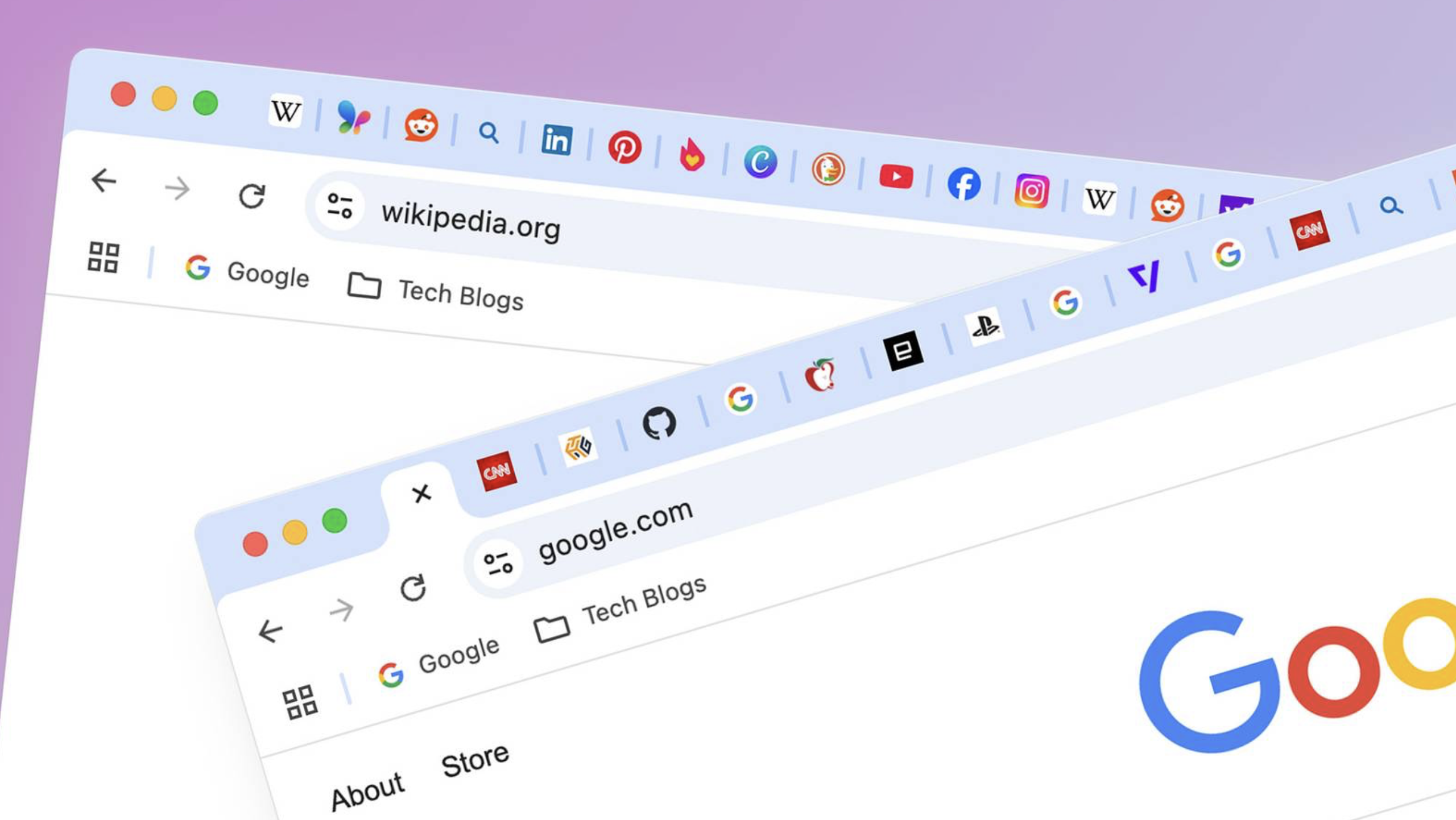

Google Chrome is rolling out an option for vertical tabs and an updated immersive Reading Mode to help users better manage tabs and focus on content.
The new features were announced by Google on April 7, 2026, and are designed to improve productivity in the browser.
Users can enable vertical tabs by right-clicking on any Chrome window and selecting “Show Tabs Vertically.” This moves tabs to the side of the browser window, making it easier to read full page titles and manage tab groups, even when the number of open tabs is high.
Too many @GoogleChrome tabs open? Try vertical tabs, rolling out now.
— Google (@Google) April 7, 2026
Just right-click any Chrome window and select “Show Tabs Vertically” to move your tabs to the side of the browser window, making it easier to read page titles and manage tab groups. pic.twitter.com/DO7ShWl89f
Once enabled, vertical tabs remain the default layout until the user switches back to the traditional horizontal tabs at the top. The feature works across multiple Chrome windows and supports tab groups, with no hard limit on the number of tabs beyond hardware constraints.
Alongside vertical tabs, Google is introducing an enhanced Reading Mode with a new full-page interface. Users can activate it by right-clicking on any webpage and selecting “Open in reading mode.” The mode removes visual distractions and provides a cleaner, text-focused reading experience.
Google had previously tested vertical tabs more than a decade ago but did not release the feature at that time. The current rollout is gradual and available to users worldwide.
The updates come as Chrome faces increasing competition from alternative browsers that have offered similar productivity features to attract power users and researchers who frequently work with many open tabs, TechCrunch reported.
Chrome has introduced several other updates in recent months, including Gemini AI integration and additional productivity tools.


 By
By



 By
By